
Microsoft Dynamics 365 Business Central: Implementation and Support From a Microsoft ERP Partner
Microsoft Dynamics 365 Business Central is Microsoft’s cloud enterprise resource planning platform for small and medium businesses.
It connects finance, sales, purchasing, inventory management, projects, and service on a unified platform, so your team works from a single source of data rather than reconciling spreadsheets between departments — which is how you streamline processes instead of adding another system on top of them.
Integrated Systems Solutions implements and supports Business Central as a Microsoft ERP Partner. We have worked with mid-market distributors and manufacturers since 1991, so we understand your operation before we start configuring software.

What Is Dynamics 365 Business Central?
Business Central is an ERP system combining core capabilities — general ledger, payables and receivables, inventory, purchasing, sales orders, and reporting — in one place. Microsoft released it publicly in April 2018, built on the Dynamics NAV codebase, and it is now Microsoft’s primary ERP offering for organizations that have outgrown entry-level accounting software.
It is available as a cloud service or an on-premises deployment. The online version is software-as-a-service, updates automatically twice a year, and includes features the on-premises version does not. Cloud deployment also gives you cloud access from anywhere, cloud scalability, and 24/7 remote access, so month-end does not depend on being in the building. Microsoft maintains full product documentation on Microsoft Learn.
What Business Central Does Across Your Business Operations
Business Central covers what most mid-market companies need without stitching separate systems together.
Financial Management and Reporting
The finance module handles general ledger, accounts payable and receivable, bank reconciliation, fixed assets, and multi-company consolidation, with automated statement delivery and payment reminders on the receivables side. It supports multiple currencies and 24 official localizations, which is how it helps maintain regulatory compliance across several countries. Financial reporting is built in rather than bolted on.
Managing Inventory and Purchasing
Business Central handles inventory management across locations, tracking inventory levels and real-time statuses rather than a number that was accurate last week. It manages purchase orders and vendor records, supports optimized picking, and applies AI-assisted demand forecasting to replenishment. For distributors, that real-time data is the difference between promising a ship date and guessing — and where supply chain management stops being a spreadsheet exercise.
Sales, Service, and Customer Relationships
The platform manages quotes, sales orders, pricing, and customer information, with interaction history on the account — the visibility that turns repeat buyers into loyal customers. Field service and cases run through service management, and marketing lists are segmented from the same customer data.
Project Management and Job Costing
For companies that bill by project, it tracks job costing, resource allocation, and project profitability.
Manufacturing and Warehouse Management
Production orders, bills of material, capacity planning, and warehouse operations are supported, though manufacturing and service order management require Premium.
How Business Central Works With Microsoft 365 and Dynamics 365
The practical argument for Business Central over a non-Microsoft platform: your team already lives in Outlook and Excel. Business Central connects to Microsoft 365, so users process orders and view customer records inside Outlook and edit data in Excel without a manual download — a direct gain in your team’s productivity. Power BI connects for dashboards that turn transactions into real-time insights, and Power Platform builds automated workflows and business applications on your ERP data without a full development project. The point is smarter decisions from current numbers.

Business Central and Dynamics CRM
Business Central includes contact management and sales order handling, but it is not a full CRM. Companies needing pipeline management, campaign tracking, and sales automation typically pair it with Dynamics 365 Sales — one of several Dynamics applications that integrate directly. If your CRM requirements are light, the built-in functionality is often enough, which is worth settling during selection rather than after go-live.
What Each License Covers
Business Central Editions: Essentials and Premium
Business Central is licensed per seat in two editions. Business Central Essentials covers financial management, inventory, purchasing, sales, and projects. Premium adds manufacturing and service order management. Team Member licenses cover staff who need read access and light data entry rather than full functionality.
Licensing moved to a per-seat model from the concurrent-user model NAV customers may remember, which changes how you size a deployment. We work through user counts and edition mix with you during planning.
Who Business Central Fits
Business Central is built for small and medium-sized businesses that have outgrown entry-level accounting software. If your team has moved critical processes into spreadsheets because the accounting system cannot handle them, that is usually the signal.

Distributors and Manufacturers
Distribution and product companies are where we spend a fair amount of our time. Inventory accuracy, purchasing discipline, and order-to-delivery visibility drive ERP projects in this market, and they are the problems we have solved most often. Manufacturing operations with production scheduling and BOM requirements generally need Premium.

Project-Based and Professional Services Businesses
IT firms, accounting practices, and other project-driven companies use job costing and resource management to see profitability by engagement rather than only company-wide.
How We Implement Business Central
Our approach is the same across every platform we support: you see the system work before committing to it. Timelines vary with scope, data condition, and customization. We give a realistic range after discovery, not before.
Requirements come from the people who will use the system daily, not just the executives approving it.
You see your data and processes running in Business Central before we build the full configuration.
Financial history, customer and vendor records, and inventory data move across, with reconciliation at each stage.
Your team validates against real day-to-day work.
We move you to production and stay engaged as your business changes.
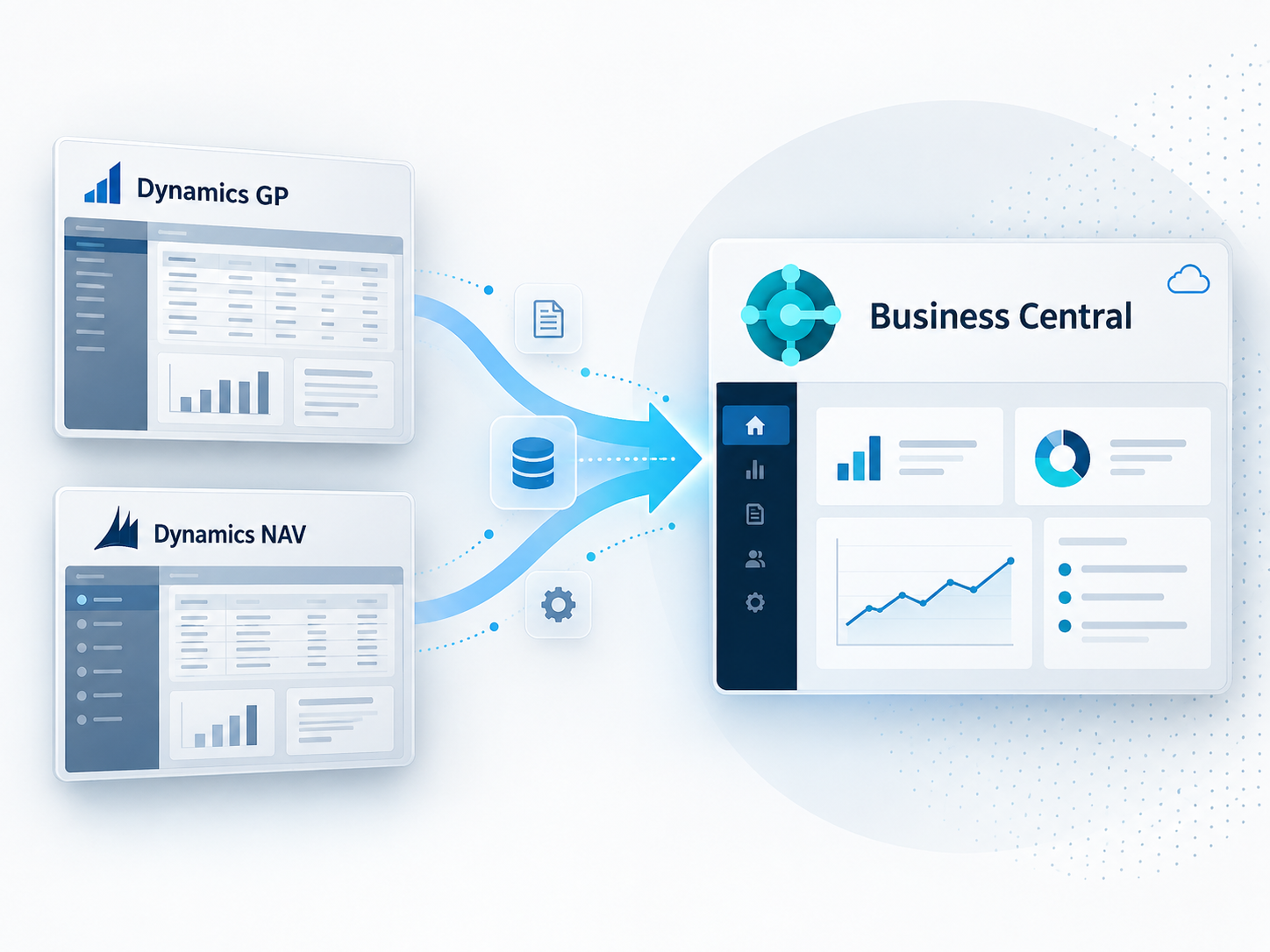
Moving to Business Central From Dynamics GP or Dynamics NAV
If you run Dynamics GP or Dynamics NAV, Business Central is one path forward — and for NAV customers, the shared code lineage affects how the migration is scoped. Both pages cover the timelines and options in detail.
Business Central and Acumatica: How We Help You Choose
We implement both Business Central and Acumatica, which is deliberate — it means we can tell you honestly which fits your operation instead of recommending the only product we sell.
Business Central tends to fit companies standardized on Microsoft 365 and comfortable with per-seat licensing. Acumatica tends to fit distribution-heavy operations wanting consumption-based licensing and unlimited users. We work through that comparison during selection.

Frequently Asked Questions
Still have a question about Microsoft Dynamics Business Central? We’re happy to talk it through.
What is Microsoft Dynamics 365 Business Central?
Business Central is Microsoft’s cloud ERP platform for small and mid-sized businesses. It connects financial management, inventory, purchasing, sales, service, and projects in one system and integrates with Microsoft 365, Power BI, and other Dynamics 365 applications.
Is Business Central the same as Dynamics NAV?
No, but related. Business Central launched in 2018 on the NAV codebase. It is cloud-first with automatic updates, per-seat licensing, and a modern interface, where NAV was on-premises and required manual upgrades.
Is Business Central cloud or on-premises?
Both. The online version is SaaS with automatic updates twice a year. An on-premises version exists, though some features are online-only.
How long does a Business Central implementation take?
It depends on company size, data complexity, and customization. Our prototype-first approach means you validate the system against real work before full deployment, which reduces surprises late in the project.
Should we choose Business Central or Acumatica?
That depends on your operation, licensing preferences, and how invested you are in the Microsoft ecosystem. We implement both and work through the comparison during selection.
Talk With a Microsoft ERP Partner About Business Central
Whether you are evaluating Business Central, coming from an older Dynamics platform, or trying to get more from a system you own, we can help. Get in touch with Integrated Systems Solutions to start the conversation.